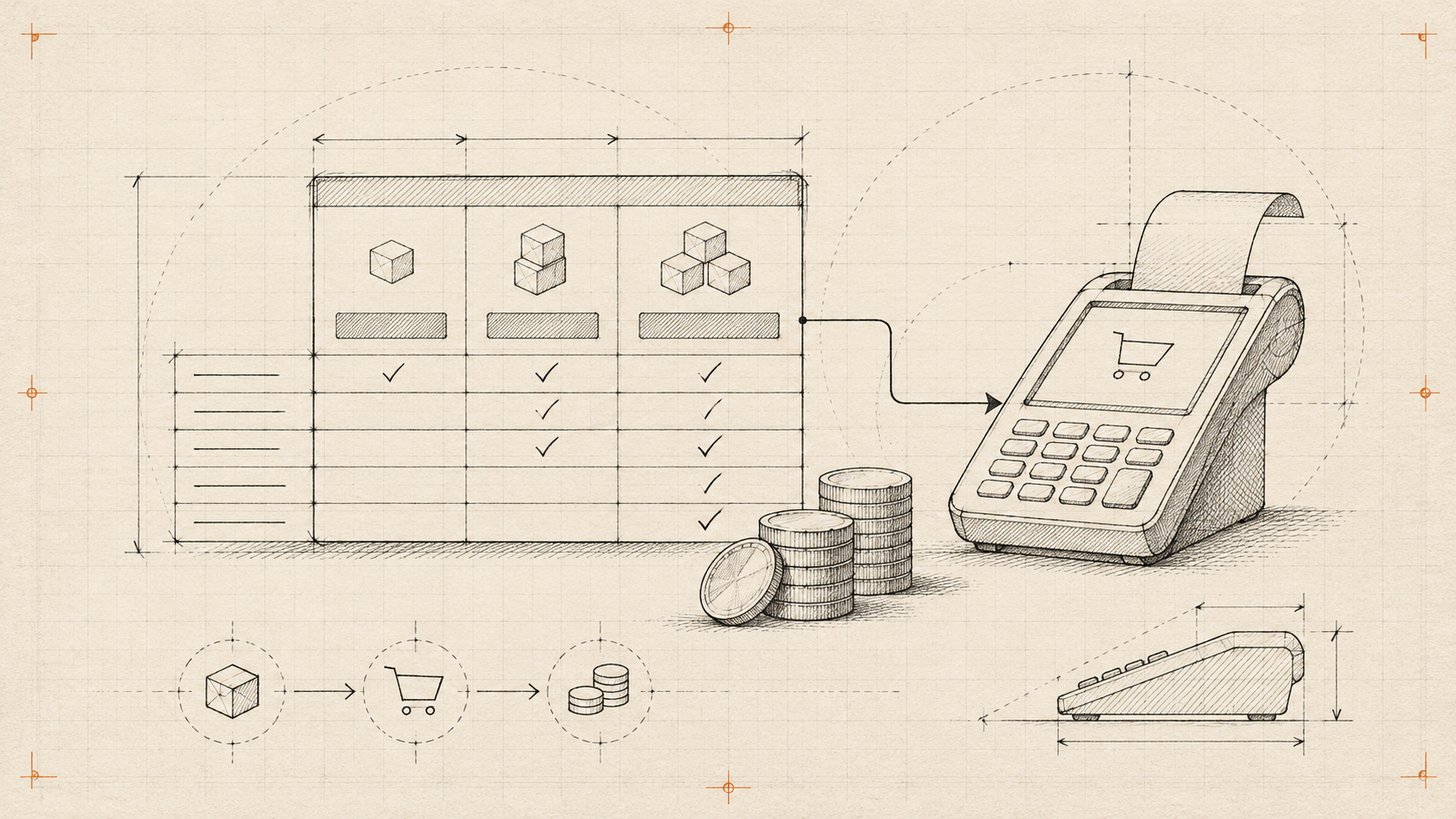
A visitor switches from monthly to annual billing. The number changes, but the button still opens the monthly checkout. A polished pricing table can hide a very ordinary integration bug.
Start with a price contract
Give each offer a stable identifier. Store currency, billing interval, tax treatment and availability separately from the text on the card. A label such as “Professional” is editable copy; it should never identify a payment product.
The browser displays an offer and sends its identifier. The server resolves the current price and builds checkout. Never accept an amount supplied by the page as the amount to charge.
Make the comparison readable
Show the billing period beside the amount. If an annual plan displays a monthly equivalent, also show the total annual commitment. Explain usage limits near the feature they affect. Put the same comparison in ordinary HTML, even when the surrounding page has a 3D scene.
AI-generated layouts can be a starting point. Review their labels, focus order and error states as carefully as handwritten code.
Test the awkward cases
Try an unavailable offer, a stale browser tab, a currency change and a failed checkout request. Switching billing periods should update the amount, explanatory copy and selected offer together. Preserve the selection after a recoverable failure.
Track which offer was selected and whether checkout was created. A button click alone does not tell you whether the integration worked. Ship the simple comparison first; add animation only after those numbers agree.