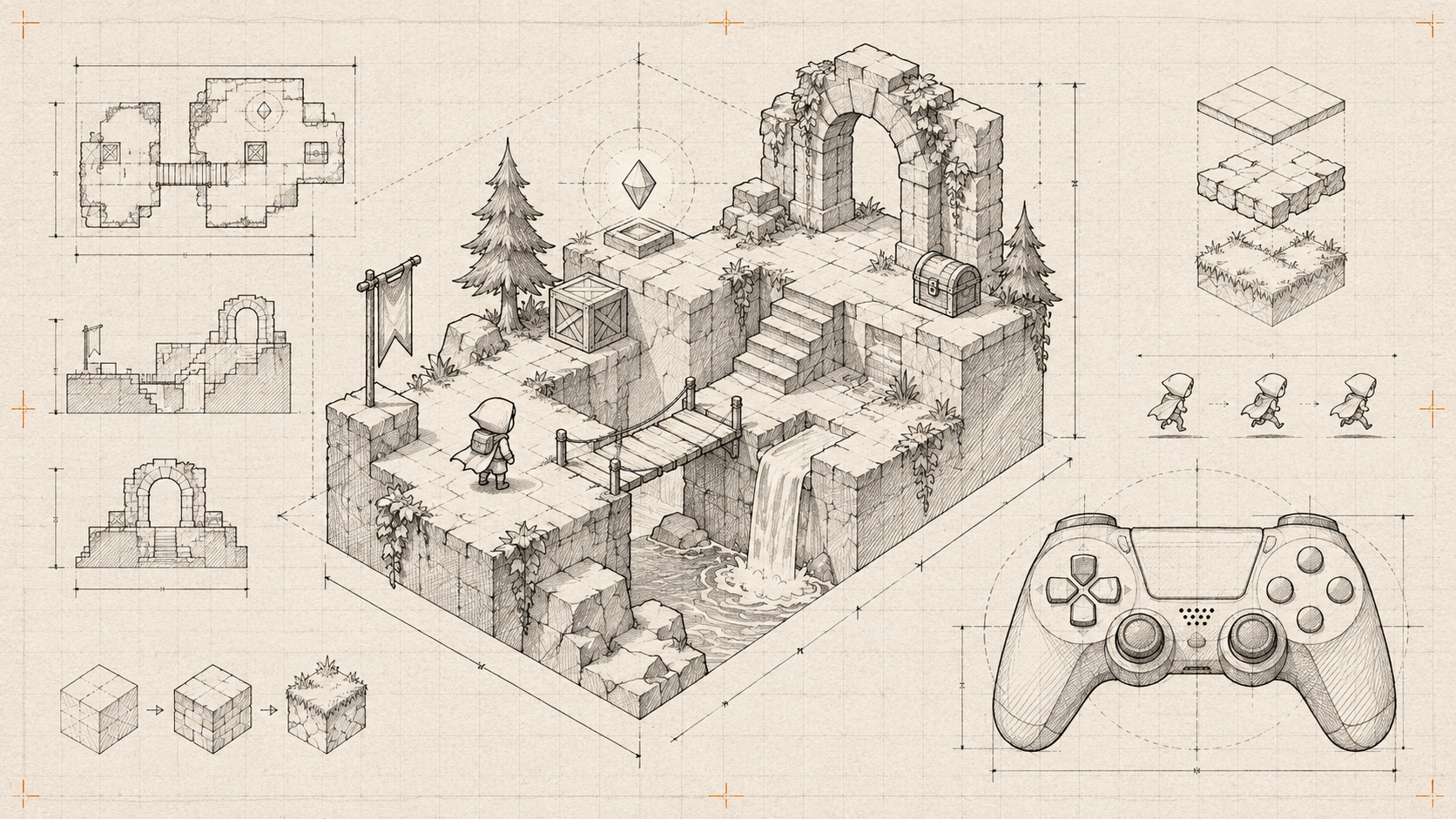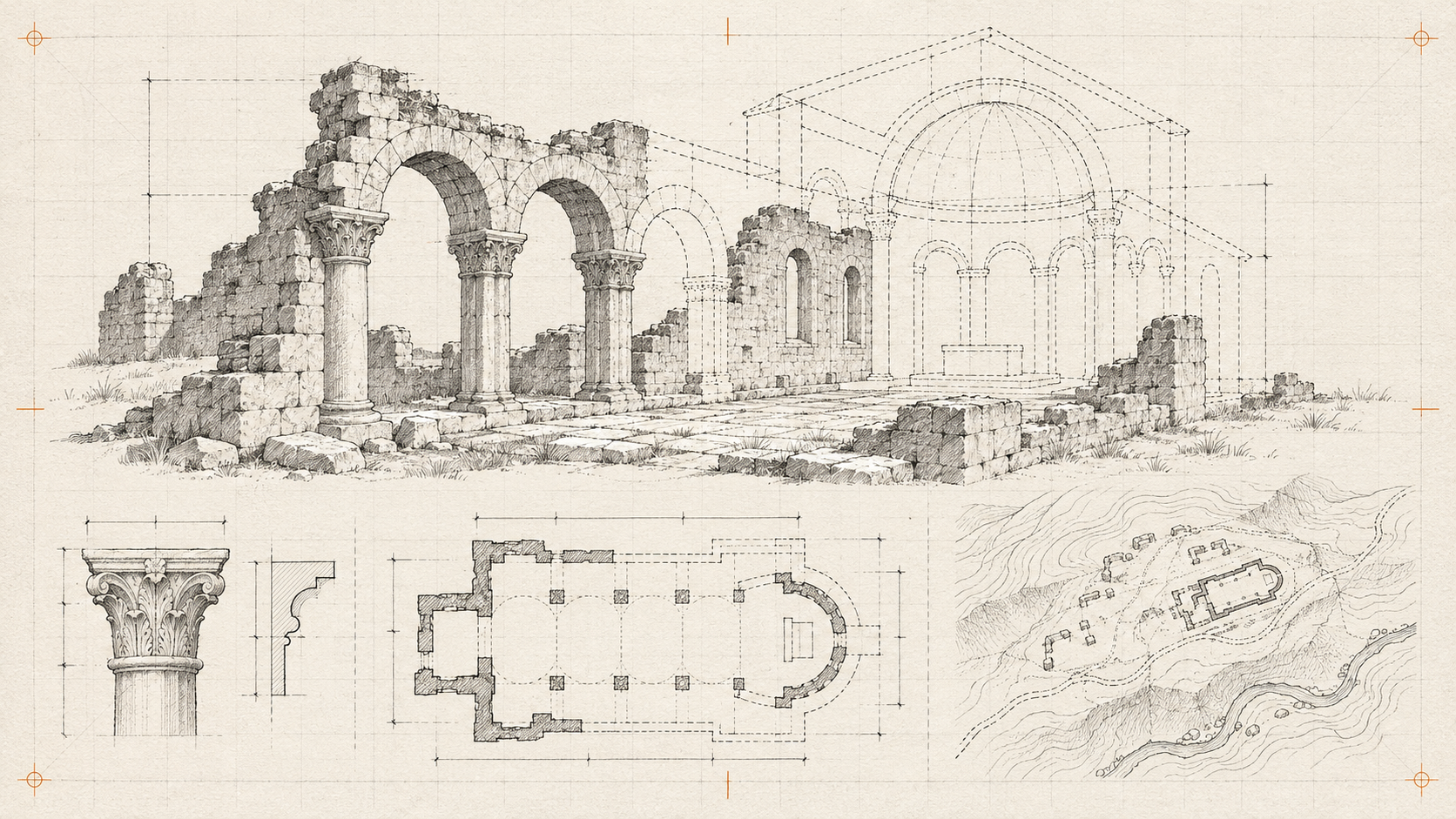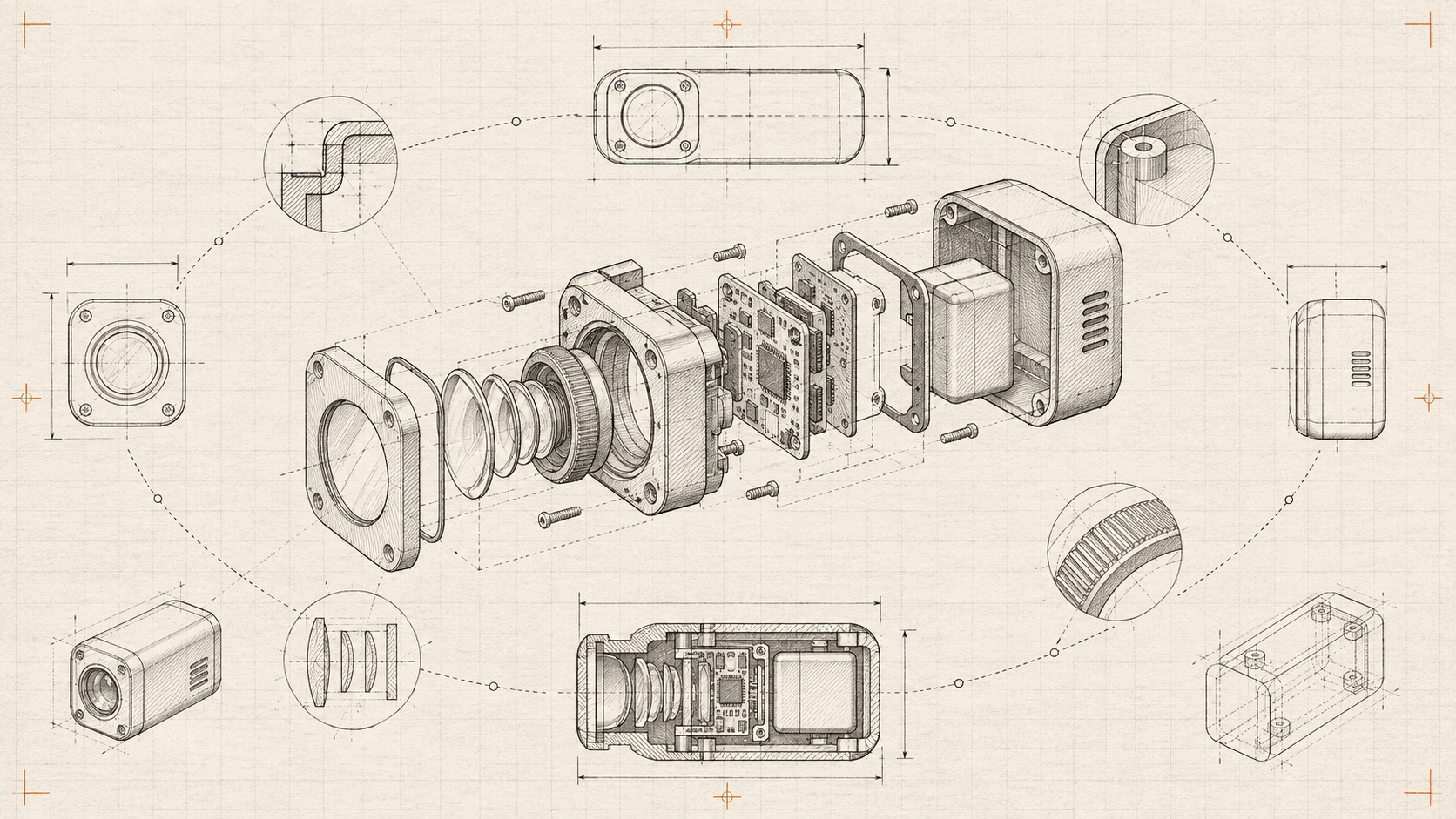
Before commissioning a product model, write the question a photograph cannot answer. Does the buyer need to see the connector on the back, compare dimensions or understand how a hinge opens? If there is no clear question, better photography may be the better investment.
Prepare the asset for the page
Keep a source model and a separate web delivery version. Remove hidden geometry and unnecessary texture detail. Agree on real-world scale and the product variant represented by the asset.
Create a poster image from a useful angle. Show it immediately and load the interactive viewer when requested or when appropriate for the page. Do not make product information wait for the model.
Design guided inspection
Offer named views such as “connections” or “inside.” Explain meaningful details in adjacent HTML. Free rotation is helpful, but a buyer should not need to discover a hidden feature by chance.
Tie colour and material controls to actual variants. If a render is illustrative, say so. Lighting can make a material look different from the physical product; avoid treating the model as a guarantee of colour accuracy.
Verify the failure path
Test a missing asset, a low-powered phone and a browser that cannot render the scene. The poster, dimensions and purchase route should remain useful. Measure whether people reach the relevant detail or continue to the next step, rather than assuming model interaction means buying intent.