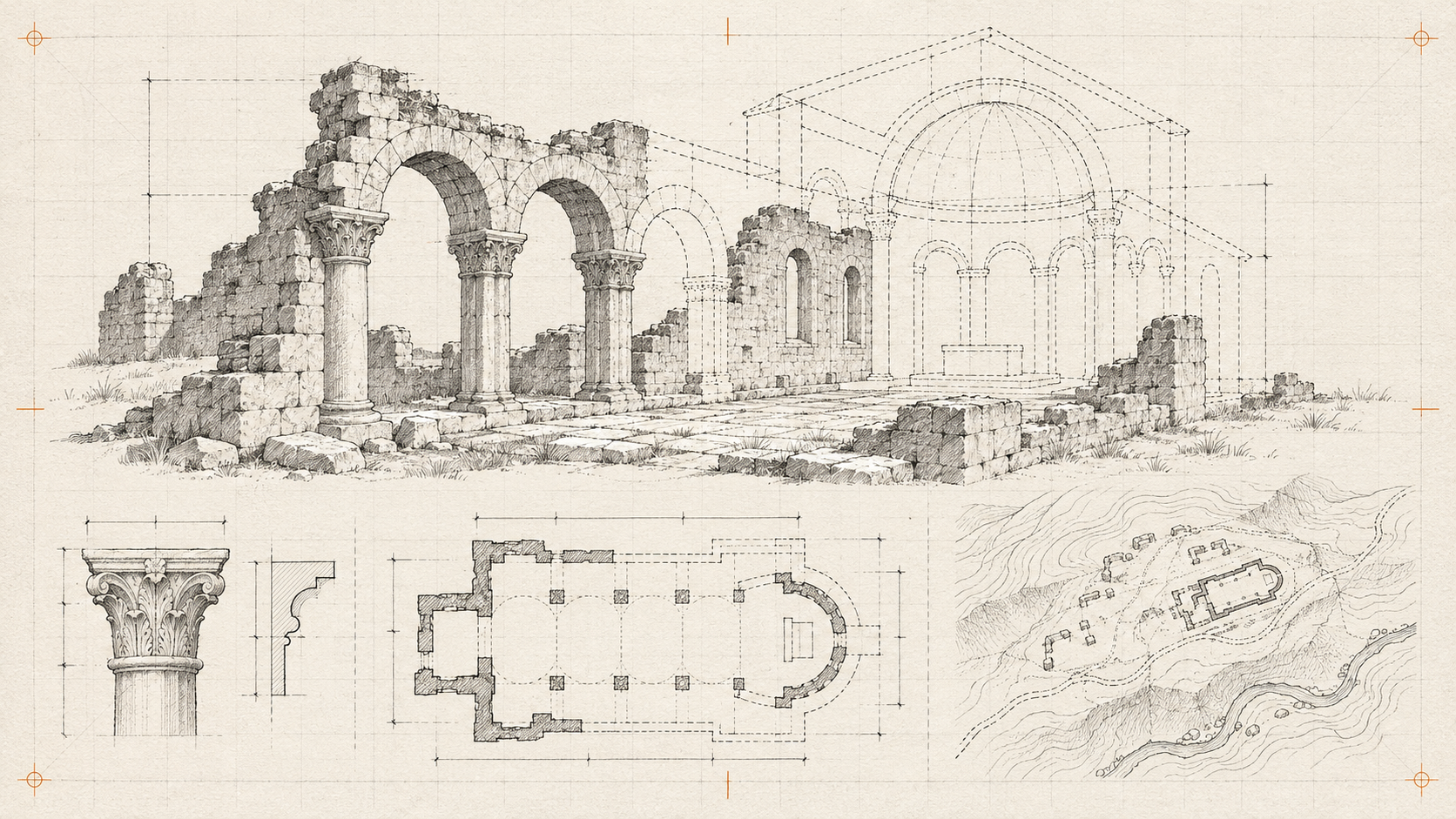
A visitor sees a reconstructed hall and assumes every detail is documented. That is the central editorial risk in a virtual heritage tour: realistic presentation can make interpretation look like evidence.
Inventory the evidence
Create a record for each stop with location, description, source material and permission to use photographs or scans. Note what is measured, what is inferred and what remains unknown. Have the interpretation reviewed by someone qualified in the site’s history.
Start with a map and a short route. A handful of well-explained stops is easier to maintain than a large environment with thin captions.
Design orientation explicitly
Show the current stop and the next available destinations. Provide a reset view and direct links to locations. Put descriptions and transcripts in HTML so the tour remains understandable without spatial navigation or audio.
If a scene includes reconstructed elements, label them at the point of viewing. Do not hide that distinction in a general footer. AI-generated details need the same scrutiny as manually modelled ones.
Plan delivery and updates
Load assets by stop rather than downloading the entire site immediately. Keep a static image route for constrained devices. Test a broken scene and an interrupted connection between stops.
Assign someone to maintain captions and corrections. A tour is an interpretation of a place at a particular point in time. Giving readers a clear source and an honest account of uncertainty makes that interpretation more useful.