A full-screen room render looks impressive, but it rarely explains the project. A potential client also needs to know the brief, the constraints and what the designer actually delivered.
Build one complete case study
Choose a project with permission to publish. Write its context, scope and status: proposed, under construction or completed. Label renders and built photographs clearly. Do not let a generated image stand in for evidence of a finished room.
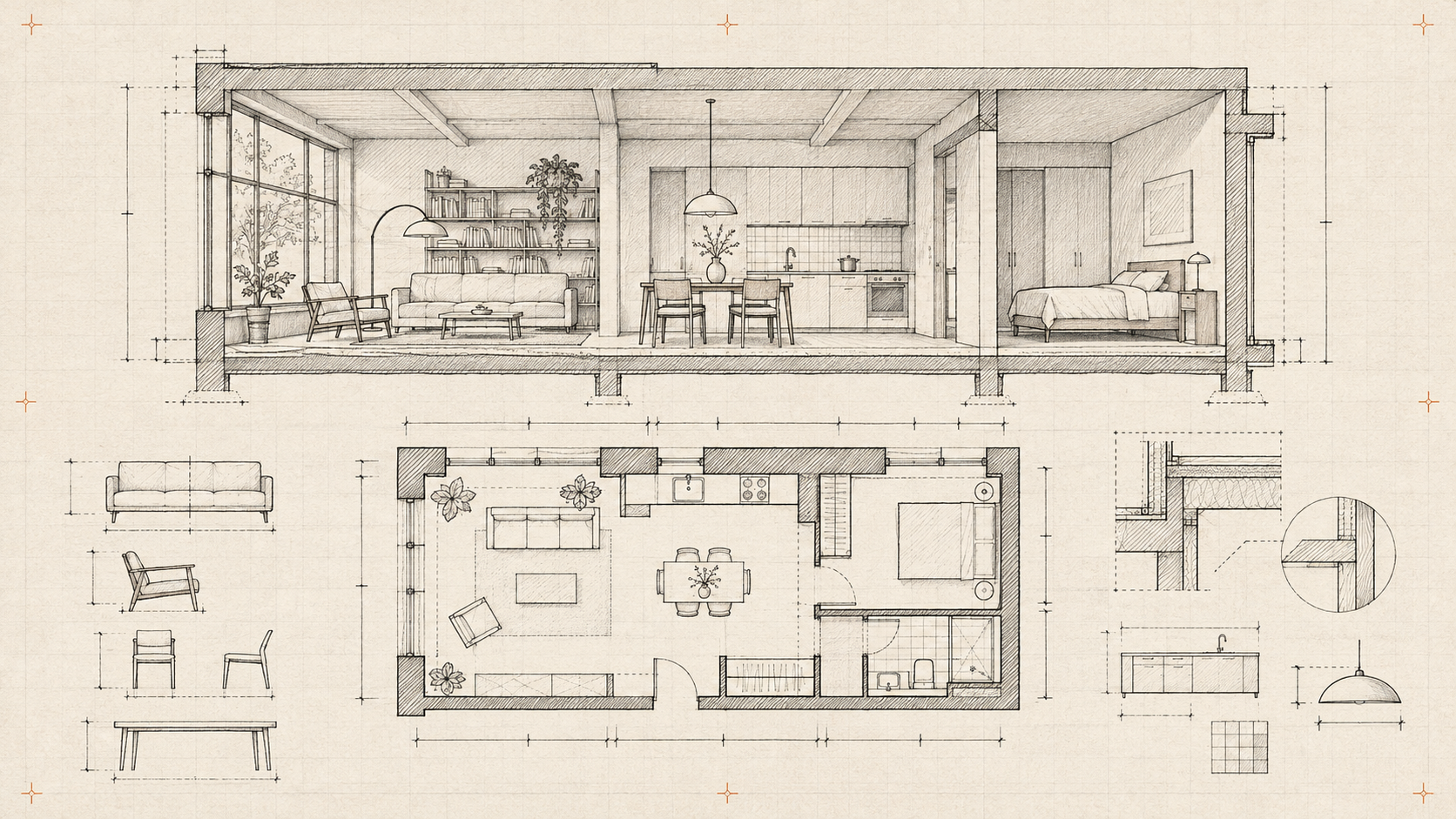
Use a floor plan to establish orientation. Pair it with a small set of photographs and captions that explain circulation, storage or light. Include the designer’s contribution when several teams were involved.
Add 3D where it explains a decision
A guided view can show how a narrow corridor connects two rooms or why a partition moved. Keep the starting camera useful and offer a reset control. Put dimensions and important explanations in text outside the scene.
Avoid loading every project model on the portfolio index. A fast overview should help visitors choose which case study deserves their attention.
Make enquiries specific
Carry the project name into the enquiry form so a visitor can ask about a relevant style or scope. Request only the information needed to start a conversation.
Review the page on a phone and with the scene disabled. Can a client still understand the problem, the result and your role? If yes, the portfolio is communicating design rather than merely displaying assets.